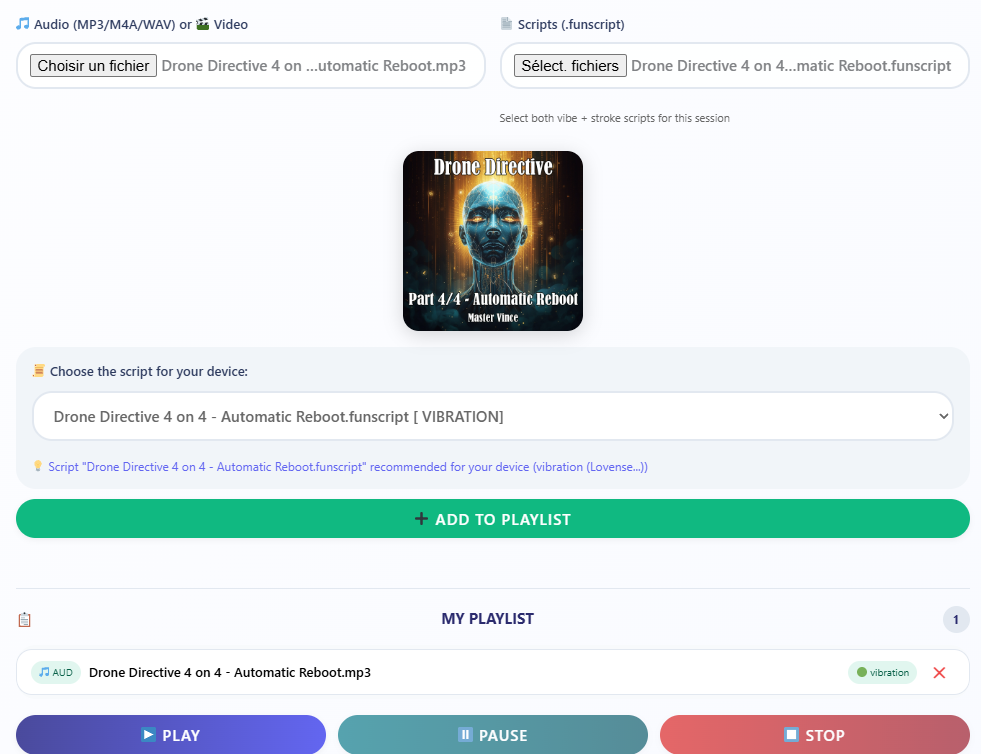
This works only with CHROME.
We're going to use a Bluetooth connection with your device.
You need to use [Intiface Central] on your computer.
You'll need an mp3 file and a funscript file, provided in each post.
See list of [haptic-ready sessions].
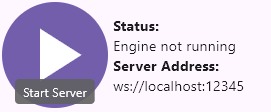
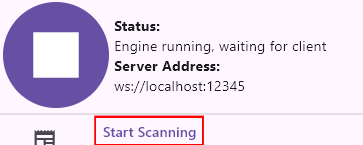
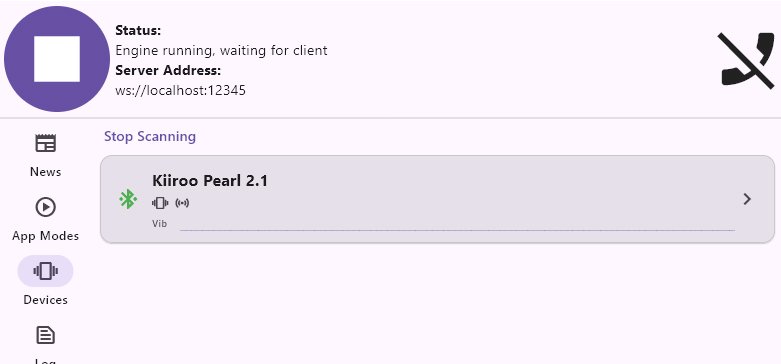
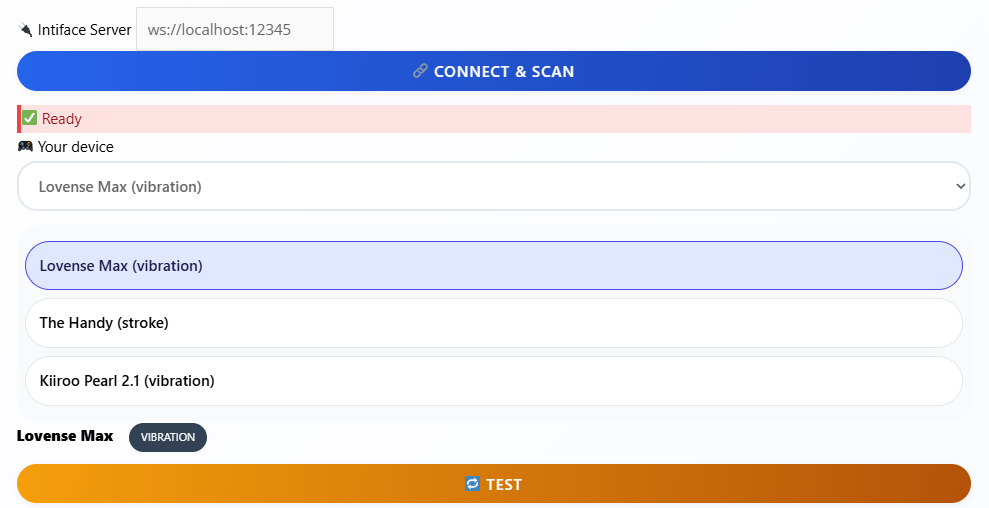
Quick tutorial with pictures at the bottom of this page.
 First time? → [Read the complete setup guide here].
 Support my work: If you find these tools valuable and want the best haptic device → [browse my recommended toys here].
⚠️ Still Struggling despite your efforts? → Try [Haptic Alternatives].
🎧 Vince Haptics
synchronized playback · multi-script (vibe / stroke)
⚡ Not connected
—
unknown
🎵 Audio (MP3/M4A/WAV) or 🎬 Video
📄 Scripts (.funscript)
Select both vibe + stroke scripts for this session
📋 MY PLAYLIST
0
No tracks yet. Load audio + scripts.
75%
50%
0:000:00
📁 Load audio + scripts to start
🟢 Ready · Supports Handy, Lovense, Kiiroo, and 50+ devices
🔄 Buttplug 3.x
⚡ idle